

API keys management
To use the Taxwire API you need an API key. Assuming you have an account set up, login and generate an API key from the developer page.Step by step instructions
Step by step instructions
If you don’t already have a key created, make a new one here: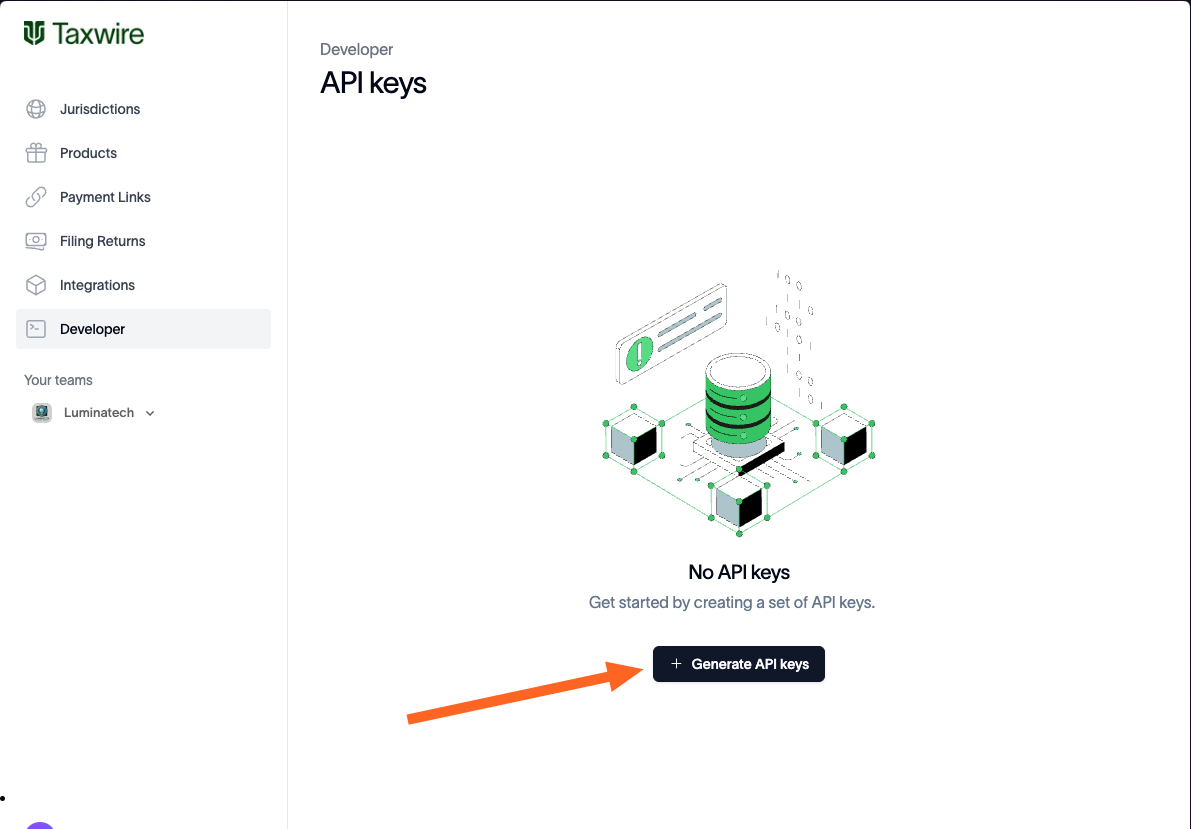

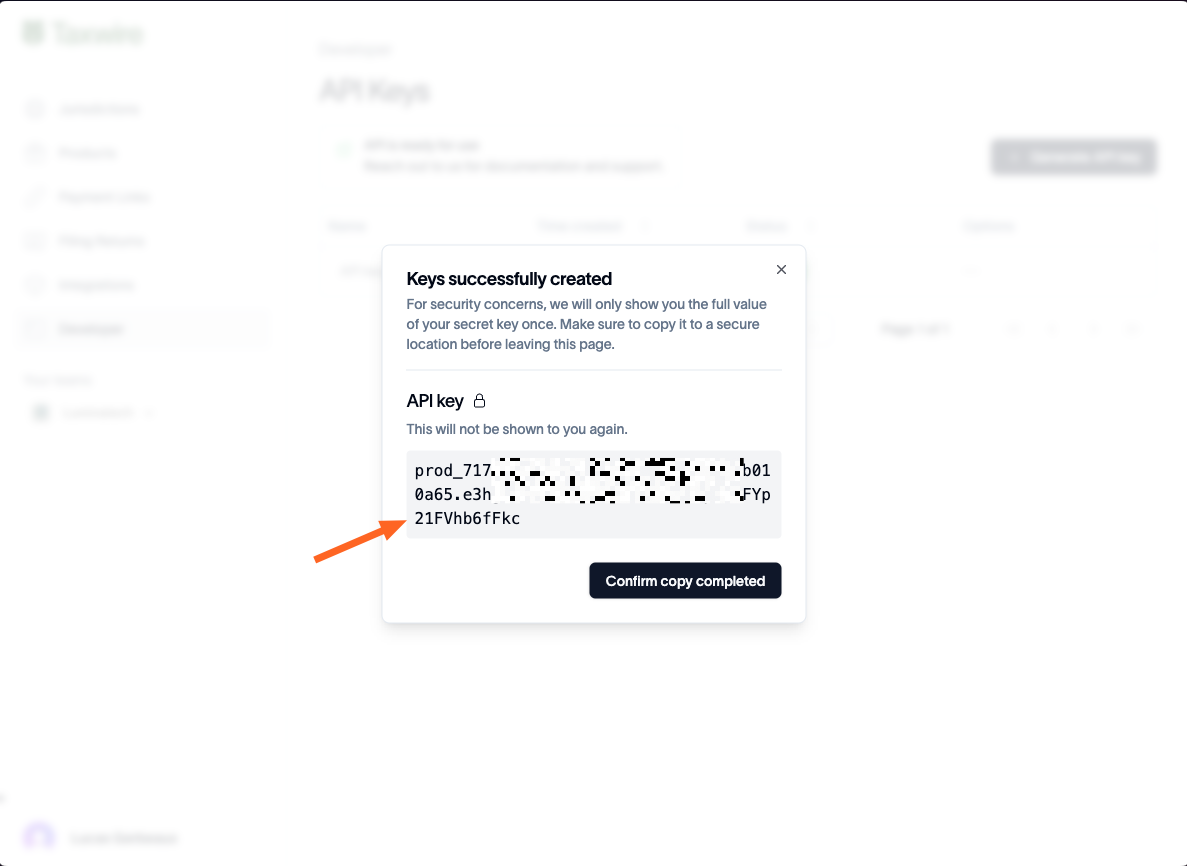
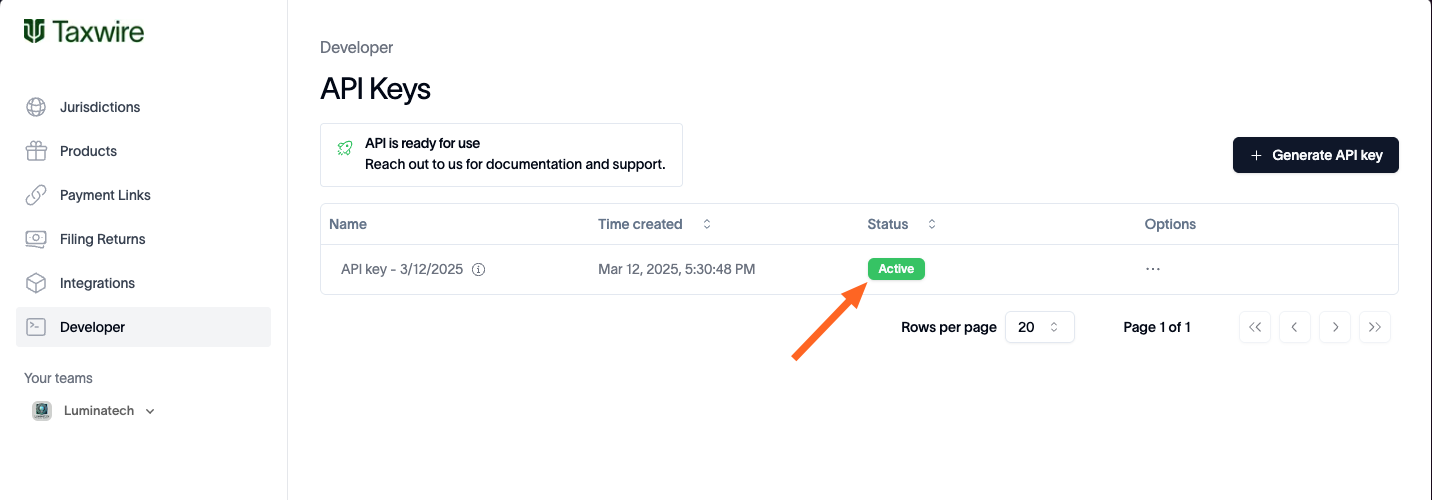
Request Authentication
All API endpoints are authenticated using an API key header. Copy the secret key you saved when creating your API key and pass it as a http header to all requests to the API. Example code with appropriate auth header (X-API-Key):